Sending feedback to Qrese
Sending feedback to Qrese
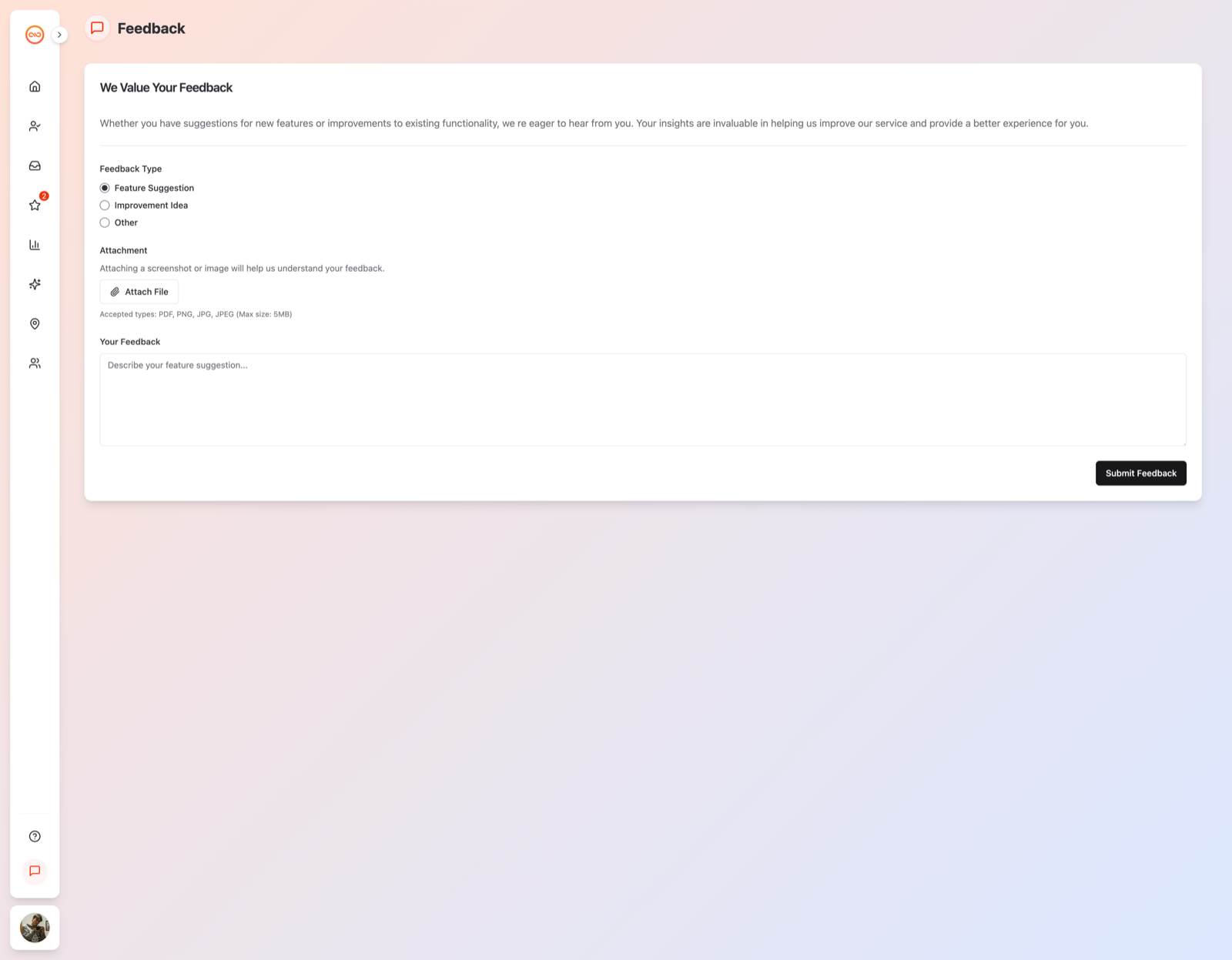
Have an idea, a suggestion, or something that's bugging you about Qrese? The Feedback page sends your thoughts straight to our product team — this is different from the Help page, which is for problems that need support.
Steps
- Click Feedback in the sidebar.
- Choose the Feedback Type that fits (suggestion, idea, complaint).
- Write your thoughts in Your Feedback — real examples help us most.
- Optionally add an Attachment (a screenshot or mockup of what you mean).
- Submit. Our product team reads every submission.
When to use Feedback vs. Help
- Feedback — "It would be great if...", "You should add...", "I don't love how X works."
- Help — "X is broken", "I can't sign in", "I was charged twice" — for these use the Help page instead, so support can act right away. See Getting help and contacting support.